 A softer kind of dark
Midnight Ripples
Slow ripples. Soft colour. A little less to look at.
A calm backdrop for whatever needs your attention.
Enter space Starts quiet

A quiet place to study, work, or simply take a breath.
Choose your space. Make a little time for you.
A little less noise.
A little more room.
A softer kind of dark
Slow ripples. Soft colour. A little less to look at.
A calm backdrop for whatever needs your attention.
 Let the day drift away
Soft folds of light, moving at an unhurried pace.
A little space to breathe and let your thoughts settle.
 An evening above the city
A warm desk. A distant skyline. Soft rain at the window.
A little room to get lost in what matters.
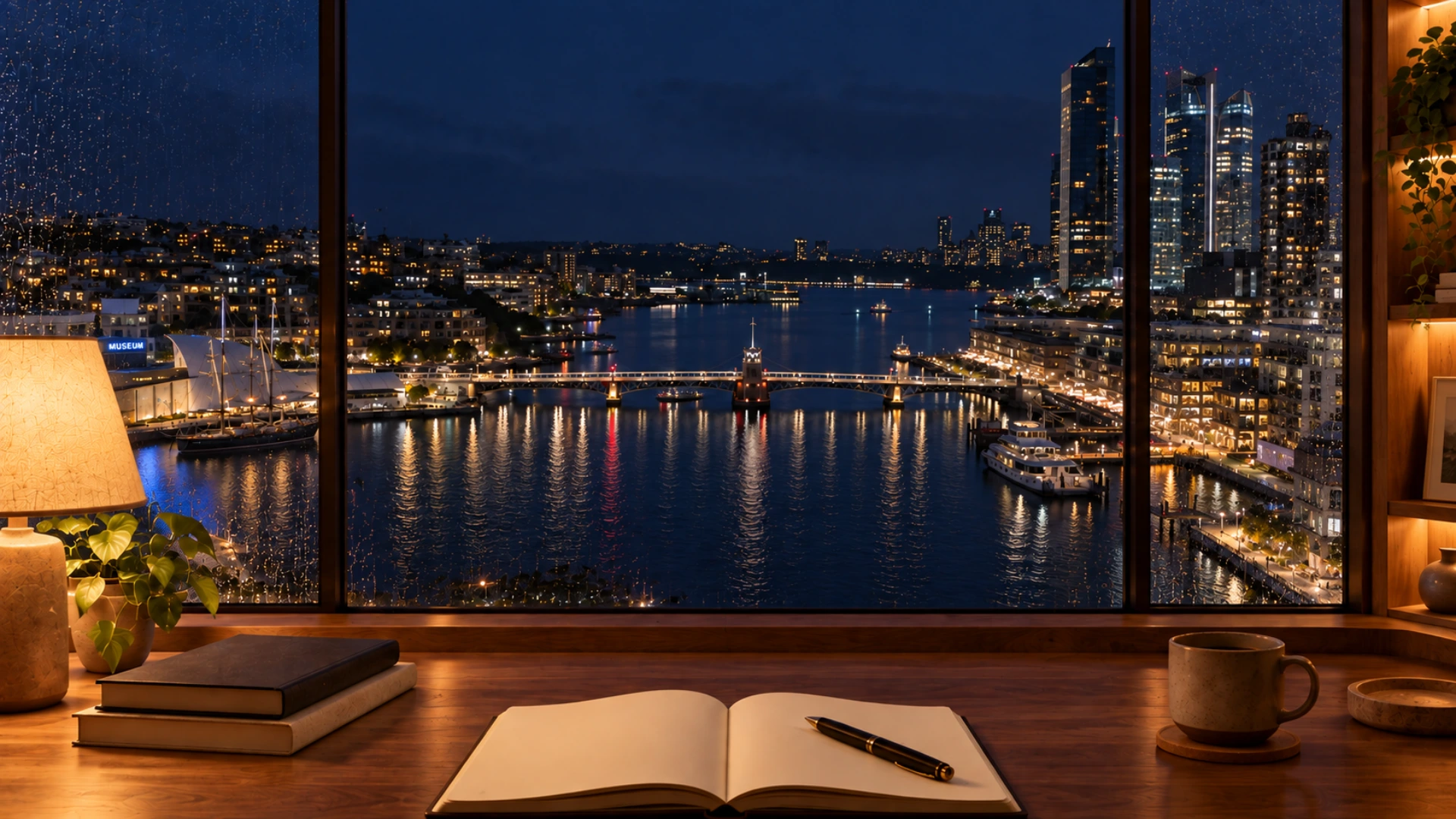 Sydney, after the day slows down
Warm lamplight, a favourite notebook, and the harbour below.
Let the water carry the day away.
 Tokyo, with the kettle still warm
Coffee gently steaming. Tokyo Tower glowing beyond the glass.
A quiet desk above a city still awake.
 New York, a little after midnight
A pool of lamplight. Coffee beside an open notebook.
Watch the city glow while the rain settles in.
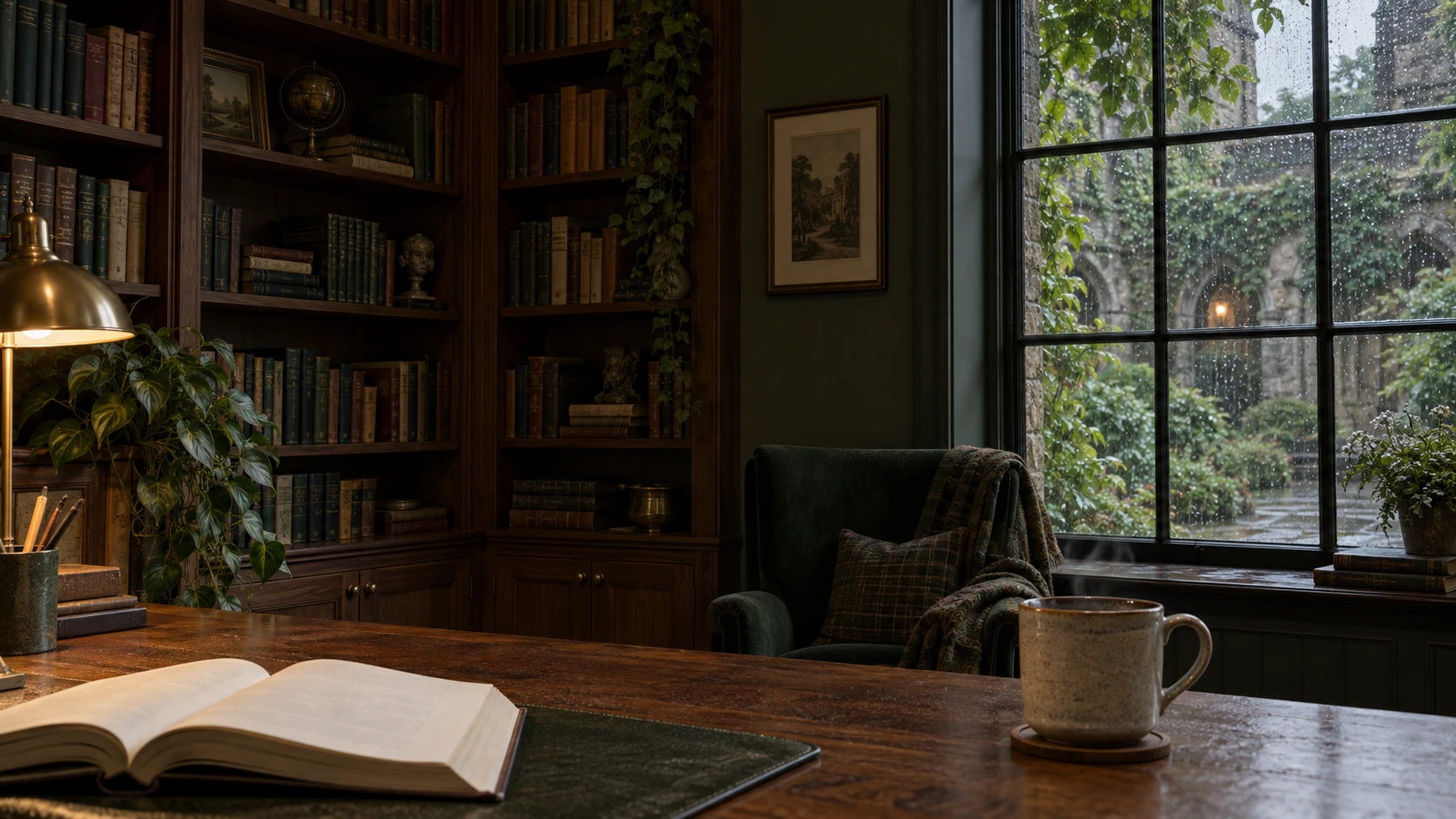 Your favourite window seat
An open book, a warm cup, and a leafy courtyard beyond the glass. A quiet corner for the next chapter.
A little structure for the task ahead.
Set your rhythm and take it one thing at a time.
Mood Quarter brings together a focus timer, ambient sounds and calming environments. Choose a city window or a softer backdrop, set a little time aside, and take one thing at a time. You can use the timer in silence or choose a soundtrack for your session.
No account needed. Your rhythm stays with you in this browser.
FIND YOUR LITTLE QUARTER
Warm oak, soft daylight and tea beside an open book. Settle in while the rain passes.
Enter quietlyA warm desk, a glowing skyline, and soft rain at the window.
Enter with rain soundWarm lamplight, harbour reflections, and gentle rain above the waterfront.
Enter with rain soundRising coffee steam, warm lamplight, and gentle rain above the city.
Enter with rain soundSoft rain, drifting coffee steam, and a lamp-lit desk above the city lights.
Enter with rain soundGentle ripples in six colours, from emerald to amber. A quiet backdrop for the task ahead.
Enter a quiet spaceSlow, cloudlike folds of light in six colours. A softer place to settle your attention.
Enter a quiet space20 minutes. One small step.
One chapter, a few notes, or the task you have been putting off. Give it twenty minutes.
Your saved session is still here.
Focus 1 of 4
Make time for yourself
Choose one thing to finish or move forward, then press Start focusing. A short session can be a useful way to begin a task without planning your whole afternoon around it.
For reading, choose a section and keep a note of the ideas you want to revisit. For revision, work through a few questions before checking your answers. When the timer ends, note where you stopped so the next session is easy to begin.
This page sets a five-minute short break alongside your 20-minute focus. The break does not start automatically. Stand up, get some water, or simply pause before choosing your next task. You can change the break length in settings.
Yes. Press Pause to stop the countdown and Resume to continue from the remaining time. Restart begins the phase again after you confirm.
A running or paused session is preserved when you visit another timer page. Use the new-timer button above the countdown if you want to replace it; you will be asked to confirm.