
Choose a rhythm. Take your time.
Focus 1 of 4
Your little corner
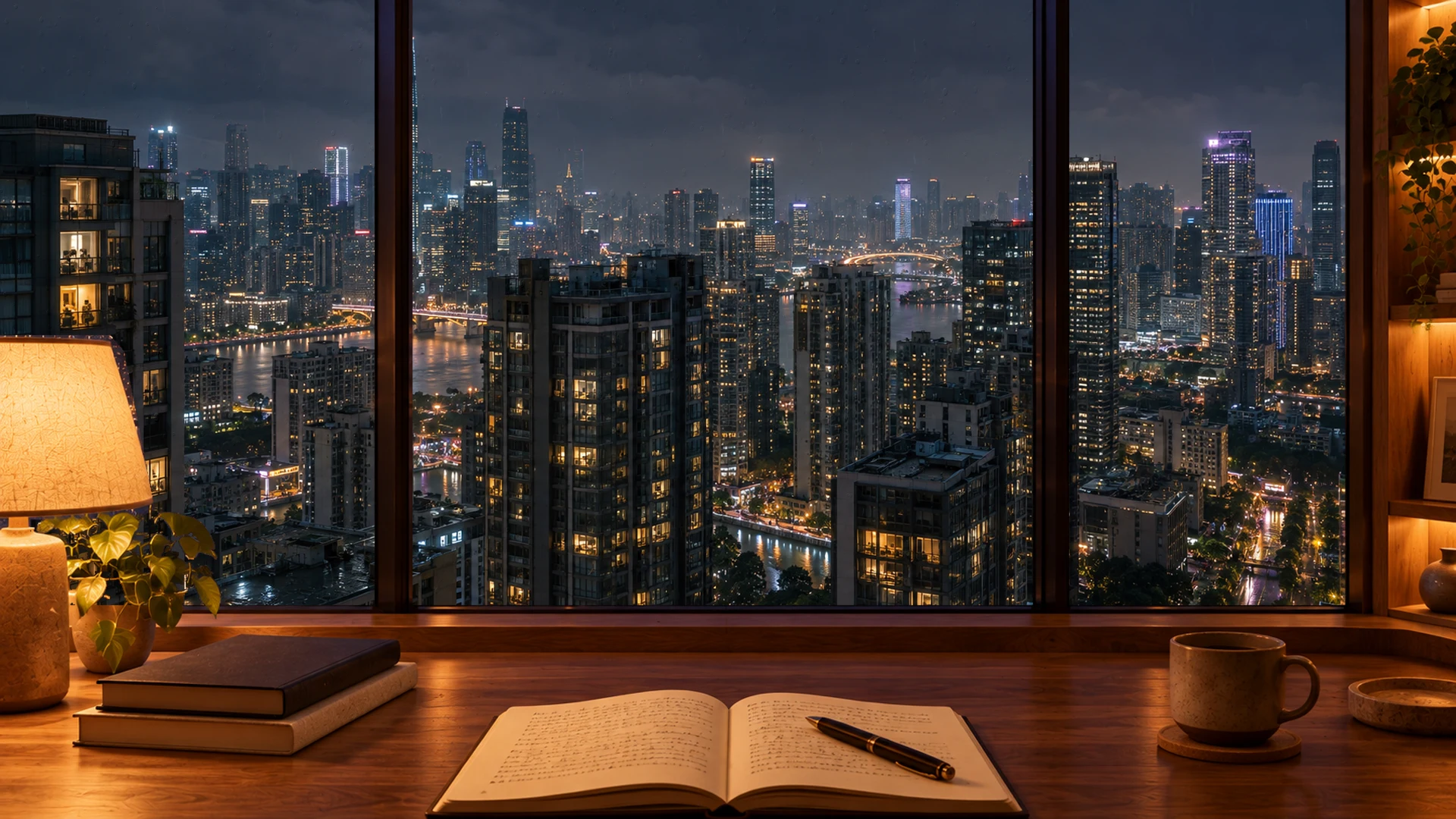
Night Rain puts you at a warm wooden desk beside a tall window. Outside, a high-rise city glows through the dark and rain runs down the glass. It is not any city in particular, which leaves room for it to be yours. A rainy window is an easy thing to work beside: always moving, never asking for anything.
The scene moves slowly: rain on the window, lights in the towers beyond. The desk stays warm and lamplit while the city glows outside. When you enter, soft rain starts playing once you have clicked on the page. Adjust its volume, add a fireplace or one of five instrumental tracks, or switch the rain off for silence.
It suits late study and evening work, when a bright, busy background would feel wrong. Set the timer to your rhythm, Classic 25/5, Deep work 50/10 or Custom, and press Start focusing. For a long night, try fifty minutes on and ten off, with a little brown noise under the rain to steady it. Choose Minimal to keep just the time over the skyline, or Still scene if movement distracts you.
Save Night Rain with your durations and sound mix as a session. The next evening, relaunch it in one click and sit straight back down. The dark theme keeps the page around the scene low and calm. If you leave mid-session, a running or paused timer comes with you to other pages.
Browsers need a click before audio plays. Interact with the page or press the rain button, and it will start.
Yes. Stop the rain or turn its slider down. The rain on the window keeps moving; choose Still scene if you want that to stop too.
It is an animated scene of a high-rise skyline rather than a particular place, and it is not a live camera.
Yes. No account and no sign-up. Your preferences stay in this browser.