
Choose a rhythm. Take your time.
Focus 1 of 4
Your little corner
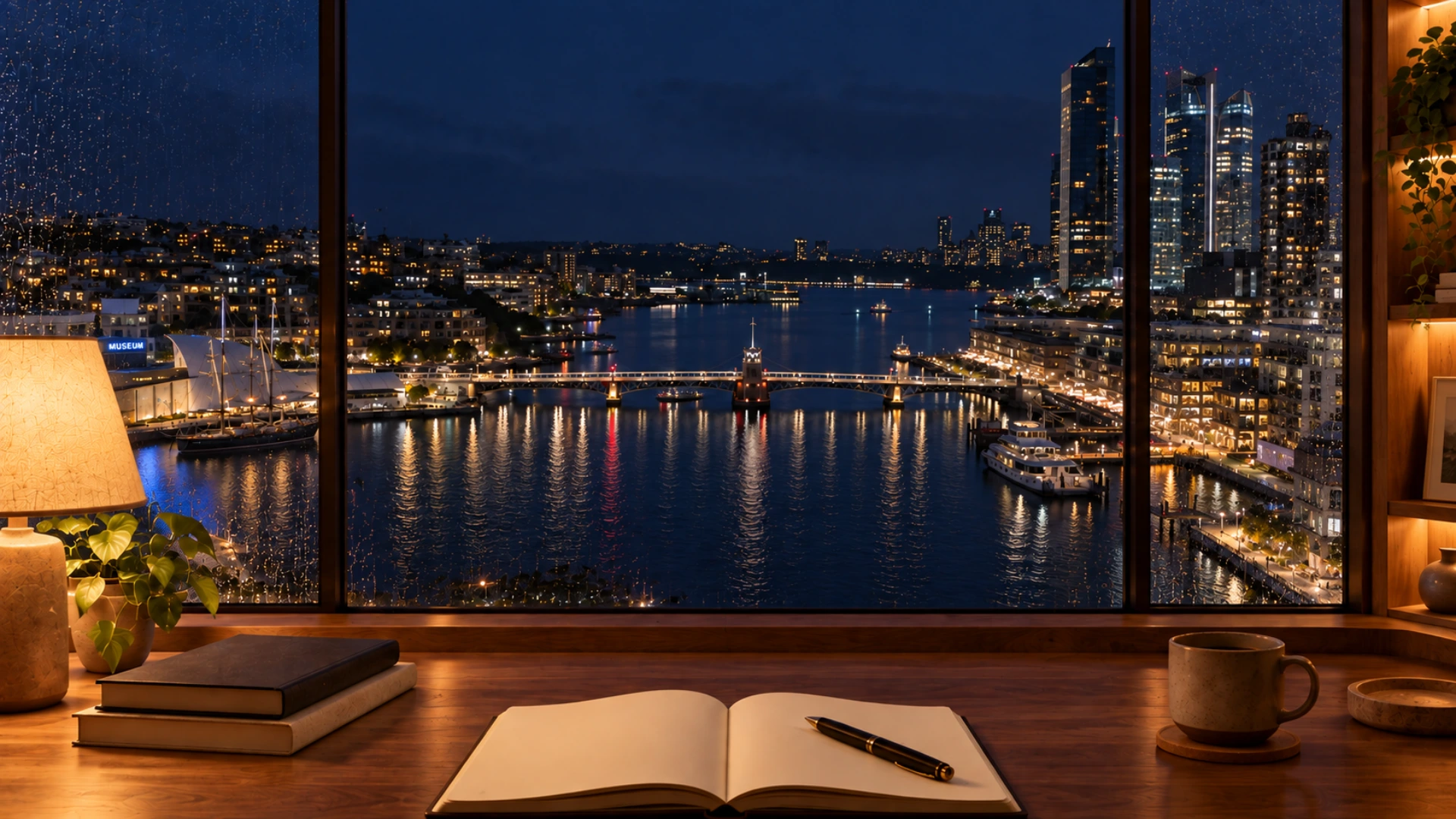
Darling Harbour sets your desk above the water in Sydney after dark. Pyrmont Bridge crosses the harbour below, the city lights shimmer on the surface, and rain gathers on the window.
Lamplight on the desk, reflections on the harbour, the bridge stretching across. The scene moves slowly, so it stays in the background while you work, and the bridge and waterfront lights give your eyes somewhere to rest when you look up from the page. Rain starts playing when you enter, after a click, and you can turn it down or off at any time.
If you live in Australia, it may feel close to home. If you do not, it is a quiet window onto somewhere else. The harbour has a slower, wider feel than the tower-filled city rooms, which suits long reading. Pair it with ocean waves at a low volume for a more coastal feel, or soft instrumental music for a night in.
The full timer sits over the scene. Use a preset or set Custom minutes, then press Start focusing. Try the Classic 25/5 preset for a gentle evening, or a longer Custom focus for a study block. Every phase waits for you to press Start. Choose Hide controls to see more of the harbour, fullscreen for the widest view, and Still scene if you want the water to stay still.
Darling Harbour is on the western edge of Sydney’s city centre. The scene looks over the water towards Pyrmont Bridge at night. It is an animated scene, not a live camera.
Yes. Turn the rain down and the ocean layer up. Each sound has its own slider, and fireplace, music and white, pink or brown noise are there too.
Yes. A running or paused timer is preserved as you move between pages.
Yes. It is free, with no account or sign-up, and your preferences are saved in this browser.